
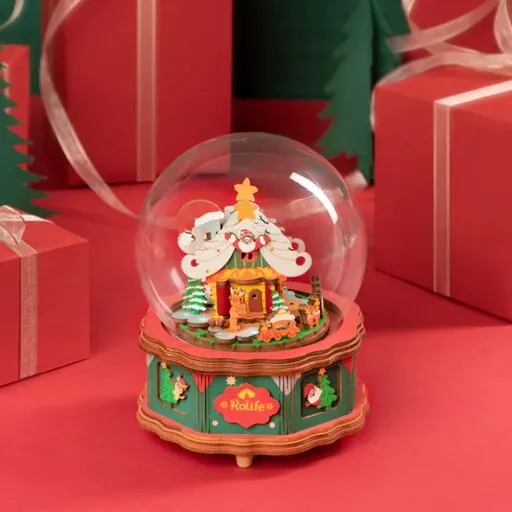
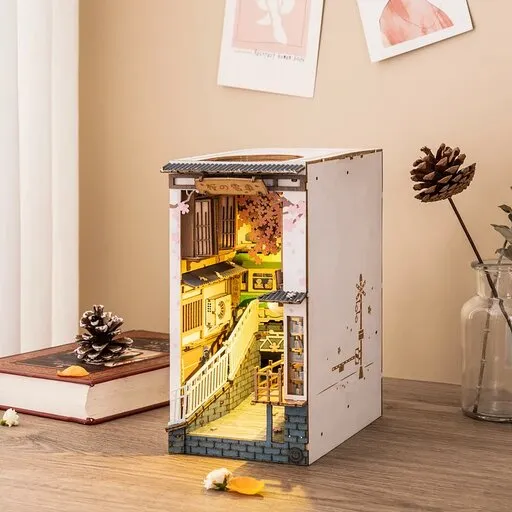







When the LED lighting in a finished miniature house does not light or flickers, start at the power source, not by gluing new parts. LED lighting is a thin strip or individual diodes powered from a battery box or via USB according to the kit manual. In most cases it is enough to check the battery polarity, whether the switch is fully on, and whether the connectors are pushed in all the way.
Only when the source and the connections are solid should you look for a cable pinched between a wall and the floor or between the roof and a side panel. If the light stopped working right after one building step, the cause is usually right there. The steps below apply to a typical miniature house with an LED set; where your manual differs in battery type, switch shape or wiring order, the manual wins.
Contents of the article
Why the light does not light or flickers: the most common causes
The most common causes are simple: weak or reversed batteries, a switch that is off or not fully engaged, a loose connector, and a cable that someone pinched while assembling walls or the roof. Flickering usually means an unstable contact, not a failed LED right away.
| What you see | What it often means | What to try first |
|---|---|---|
| Nothing lights | batteries, polarity, switch off or a disconnected connector | open the battery box, match +/− to the markings, turn the switch fully on |
| Flickers or goes out when touched | loose contact, weak battery or a loose connector | replace the batteries, gently press the contacts, unplug and reseat the connectors |
| It lit and stopped after a wall was glued | cable pinched between parts or a pulled-out joint | check the last building step and places where parts clamp the cable |
| The light is weak | dead or weak batteries; with USB try another source | fresh batteries per the manual; with USB another cable or port |
If the battery box feels clearly warmer than the surrounding air after about half a minute switched on, it may be a short: bare wire ends touching each other or a metal part. Turn the switch off, remove the batteries and inspect the connections before you try further.
Batteries, contacts and connections: a step-by-step check
Go from the source to the light. At each step turn the switch on, look at the result, and only then move on. That way you see which step restored the connection.
- Open the battery box and check the polarity. The insertion must match the + and − markings inside the compartment. On a button cell the smooth side with the marking is usually positive; if the box shows a different marking, follow that. If the battery came with a protective film or tape, peel it all off.
- Insert fresh batteries of the correct type. The battery type is in the kit manual. Weak batteries often give a weak or flickering light even when they still “work” in another toy. Do not force a battery into the compartment and do not mix types the manual does not allow.
- Turn the switch fully on and check that it responds. Some sets have a sliding switch, others a pull or touch step per the manual. Move it through its full travel; if the light only responds under pressure, the contact in the switch is unstable.
- Clean and gently press the contacts. Wipe the metal pads with a dry cotton swab. If the flat springs are bent away from the battery, carefully bend them closer so they hold it. For dirt, a cotton swab with a very light touch of isopropyl alcohol can help; let the box dry completely.
- Unplug and reseat every connector. Hold the connector, not the thin cable. Push it in all the way. If the connector can rotate 180°, try the other orientation: LEDs have polarity and will not light when reversed, even if the circuit otherwise holds.
- Follow the cable from the box to the LED and look for pinching. Check wall corners, the floor, the roof and places you glued last. If the cable runs through a gap between two parts and the parts were pulled together, the conductor can be crushed even when the insulation looks intact from outside.
Tip: Before you glue a wall, roof or floor, turn the light on and leave it on for at least half a minute. If it goes out or flickers only after you close the part, the cause is usually in the joint you just closed.
When after replacing the batteries and reseating the connectors the light stays steady under a slight movement of the model, the contact holds. If gentle bending of the cable at a joint makes the flicker start and stop, the inner conductor may be broken just behind the insulation: then a spare part helps, not more bending.
How to route cables so they stay out of sight
Cables should run where the manual shows: behind the back wall, under the floor, in a groove or in a gap you later cover with a part. The goal is twofold: that they are not visible from the front, and that no part pinches them.
- Leave some spare length. A cable stretched tight is easily pulled out of a connector when you slide a wall in. A gentle loop behind the wall or under the floor handles movement better than a taut straight line.
- Route the cable before you glue a closed space. Once a wall or roof is glued, fixing a joint means taking it apart. Before you close it, turn the light on and check that the cable lies in the groove, not in the joint gap.
- Do not bend the cable over a sharp edge. A sharp bend at a wooden edge weakens the thin conductor. If the manual shows a hole or a cut-out, use it instead of forcing the cable through a tight joint.
- Keep the battery box and switch accessible. After finishing you must be able to change batteries and reach the switch without breaking the finished scene. If the manual shows the box at the back or under the base, do not glue it permanently where you cannot reach it later.
What to prepare before you build a miniature house, including workspace and step order, is described in the article What you need to know before building miniature houses. This guide continues where the house is already assembled and the light does not respond.
When to replace the LED strip or the switch
Replace the LED strip or the switch only when the source and connections were solid and the light still does not respond, or when you see clear damage: a wire torn off a diode, a cracked switch, a burned or peeled trace on the strip. Before you peel anything off for good, compare the situation with the manual and its wiring diagram.
- Replace the switch or the battery box when, in a direct test per the manual, the light works without them, or when the switch only holds under constant pressure and cleaning did not help.
- Replace the LED strip or the light set when, with fresh batteries and reliable connectors, a whole branch stays dark, or when a wire is torn from an LED so that you cannot attach it reliably without soldering you have neither the tool nor the certainty for.
- A single dark LED on an otherwise lit strip usually does not justify replacing the whole set: the effect in the scene is small. Tackle the whole set when the outage spoils a whole branch or when the manual and the seller offer a spare part for exactly this case.
Thin wires come loose again easily with amateur soldering. If you have no practice with micro-soldering, asking for a spare part is usually more reliable than risking further damage. When a wooden part cracked during the build and you need a gluing or replacement procedure, the article Cracked wooden part: how to fix it and keep building helps.
Miniature houses with LED lighting
If you are still choosing a miniature house and want LED lighting as part of the kit, these three sets include LED lighting according to the shop description. Assembly time and piece count come from the shop data; for a first build plan for several evenings rather than one sitting, because wiring the lights wants a calm pace. All three are, according to the shop data, intended from age 14.
For a shorter project with LED according to the shop description, Miniature House - Alice's Tea Shop Rolife DG156 fits (136 pieces, assembly time 10 h, difficulty 2). More room for detail is in Miniature house - Cozy kitchen Rolife DG159 (196 pieces, 10 h, difficulty 3) and Miniature house - The magic study Rolife DG166 (267 pieces, 5 h, difficulty 3).
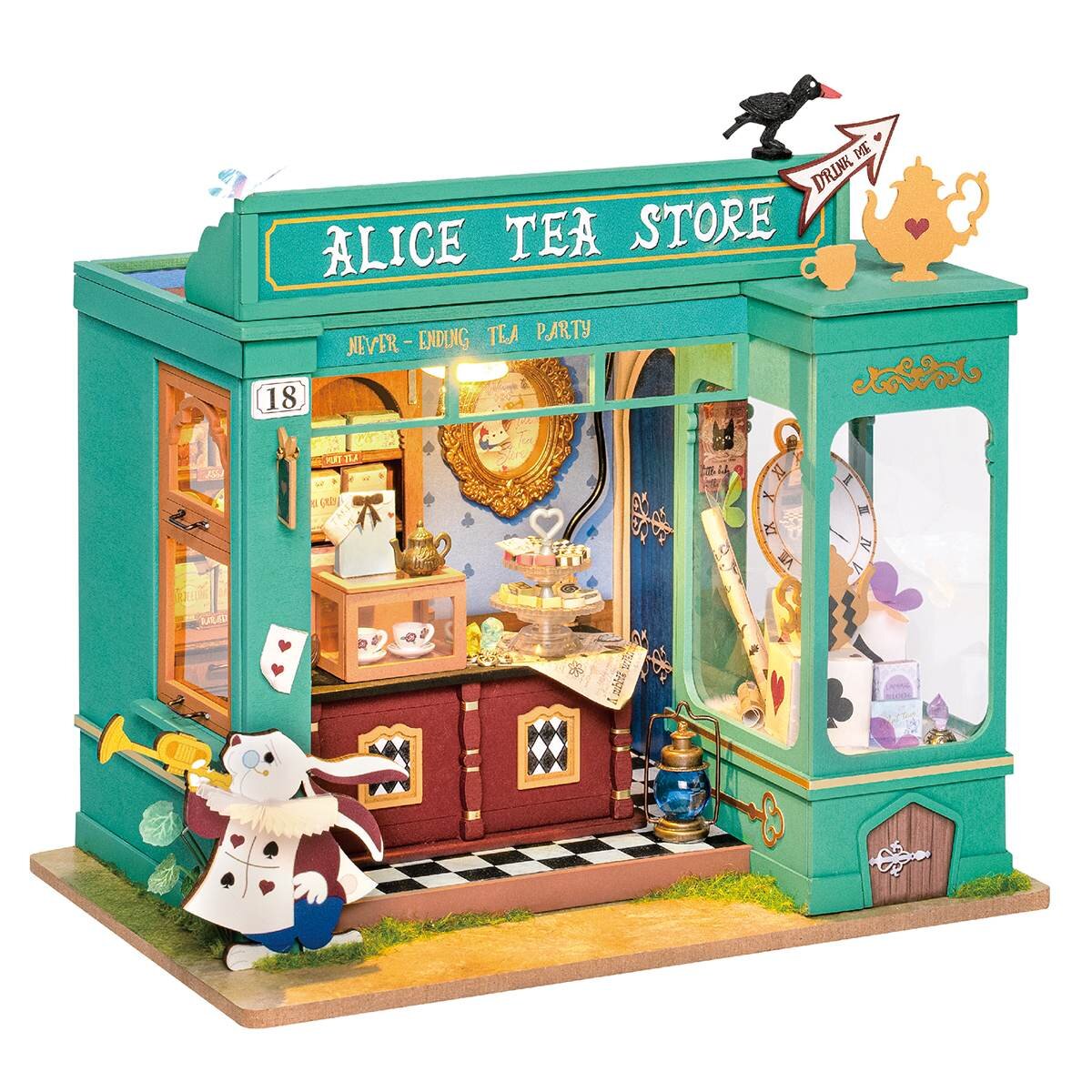
Miniature House - Alice's Tea Shop Rolife DG156
- Number of pieces: 136
- Assembly time: 10 h
- Difficulty: 2
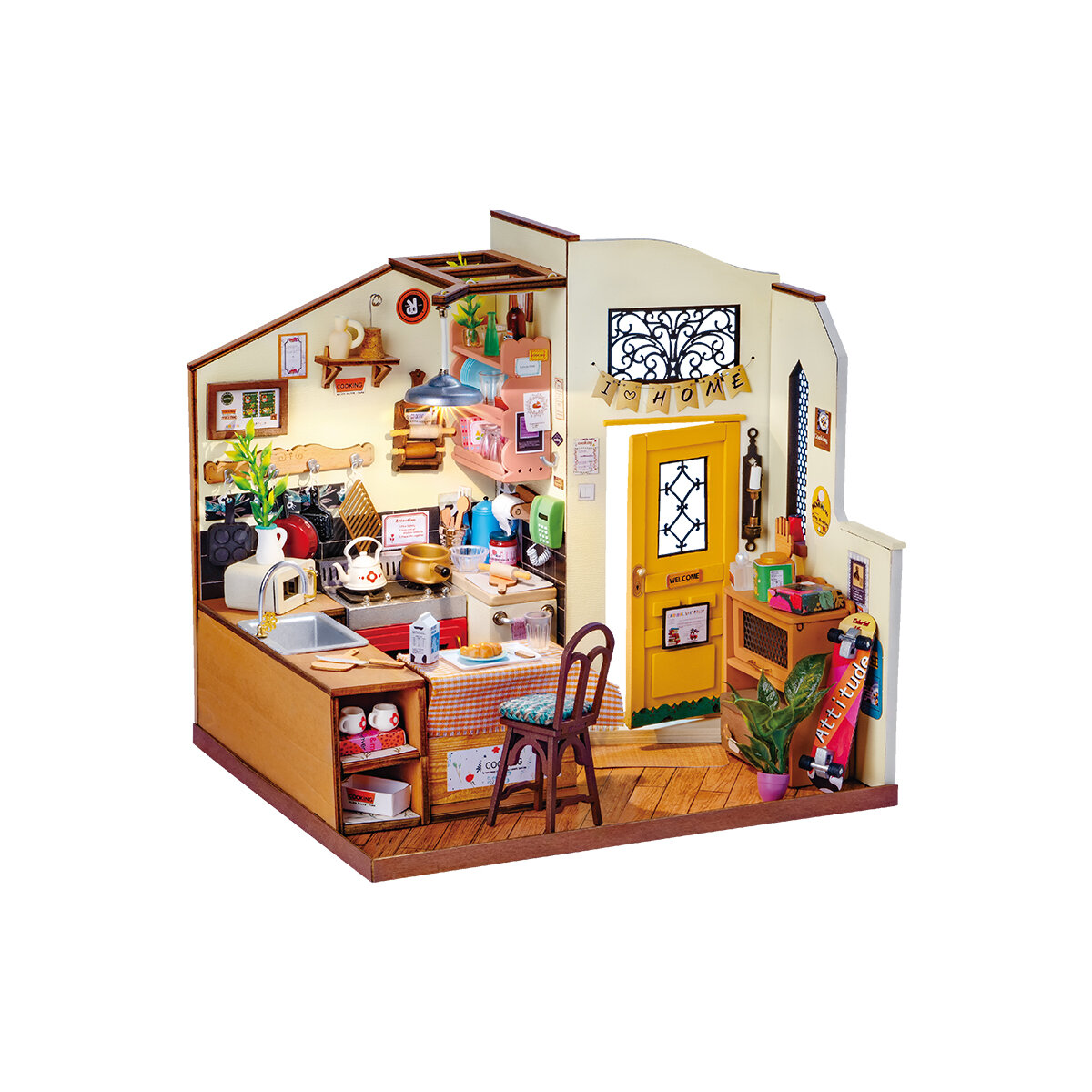
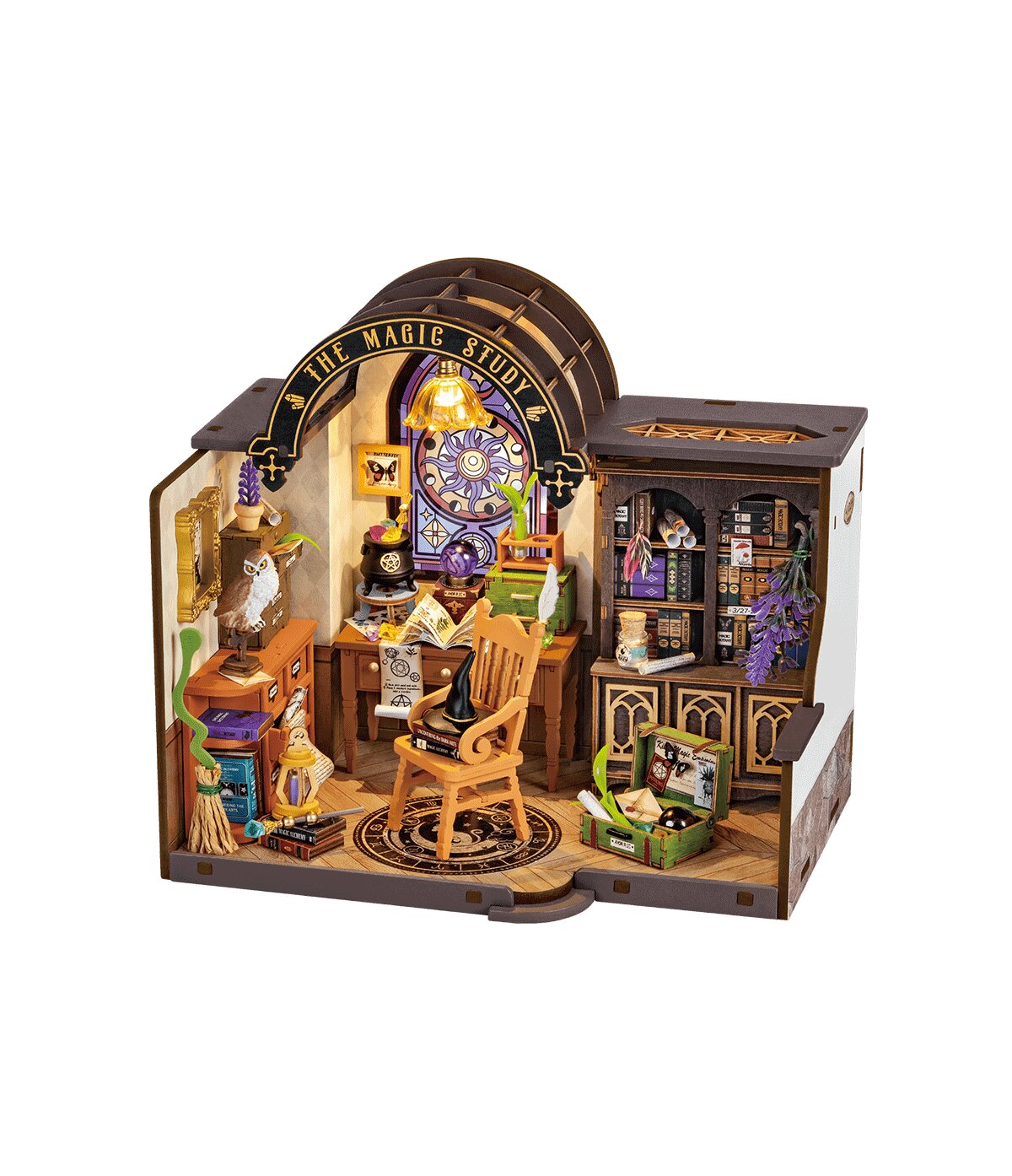
Miniature house - The magic study Rolife DG166
- Number of pieces: 267
- Assembly time: 5 h
- Difficulty: 3
Frequently asked questions
Can an LED light only briefly and then go out?
Yes. Short lighting and going out often means a weak battery, a loose contact or a short that can slightly warm the battery box. Turn the switch off, replace the batteries and check that bare wire ends are not touching anywhere.
Is cleaning the contacts enough when the house stood long without batteries?
Often yes. A thin film can form on the metal contacts. Wipe them with a dry cotton swab, or very lightly with a swab moistened with isopropyl alcohol, let them dry completely and only then insert batteries.
What to do when all LEDs light except one?
One dark LED on a strip usually does not mean you need to change the whole circuit. If the others light evenly, it mostly does not spoil the scene; tackle the whole strip or light set only when a whole branch stays dark or nothing lights.